
How do unsubscribes work?
Understand the optional footer and one-click header, replies asking to stop, recipient confirmation, and workspace-wide suppression.
3 min read
ColdMerge gives you two ways to let recipients opt out, and both are off until you turn them on: a visible footer on a campaign, and a one-click unsubscribe header for your whole account. Either one adds the recipient to the same workspace-wide suppression list. So does marking someone as opted out when they reply asking you to stop.
The ways a recipient can opt out
Section titled “The ways a recipient can opt out”| Path | What the recipient does | When it is available |
|---|---|---|
| Footer link | Opens the unsubscribe link in the message, then confirms. | On campaigns whose footer is on with the Link look. |
| Mail-client control | Selects an unsubscribe control shown by Gmail or another mail client. | When the one-click header is on for your account. The mail client still decides whether to show a control. |
| Reply | Replies asking you to stop. | Always. You record it with Mark as opted out. The Reply line footer tells recipients they can. |
Turn the footer or the header on under Unsubscribe footer and header.
If you leave both off
Section titled “If you leave both off”A campaign with no footer, sent with the header off, gives the recipient no unsubscribe control at all. Their only ways to stop your mail are to reply or to report it as spam, and spam reports hurt your sending domain.
Anti-spam laws in the US, UK, EU and Canada expect commercial email to carry an opt-out, and US law also expects a postal address. Which rules apply depends on where your recipients are and what you send. You are responsible for including what the law requires. This is not legal advice.
Even with the header on, Gmail often shows no Unsubscribe button of its own for one-to-one mail. The footer may be the only opt-out a recipient can see.
What the recipient sees
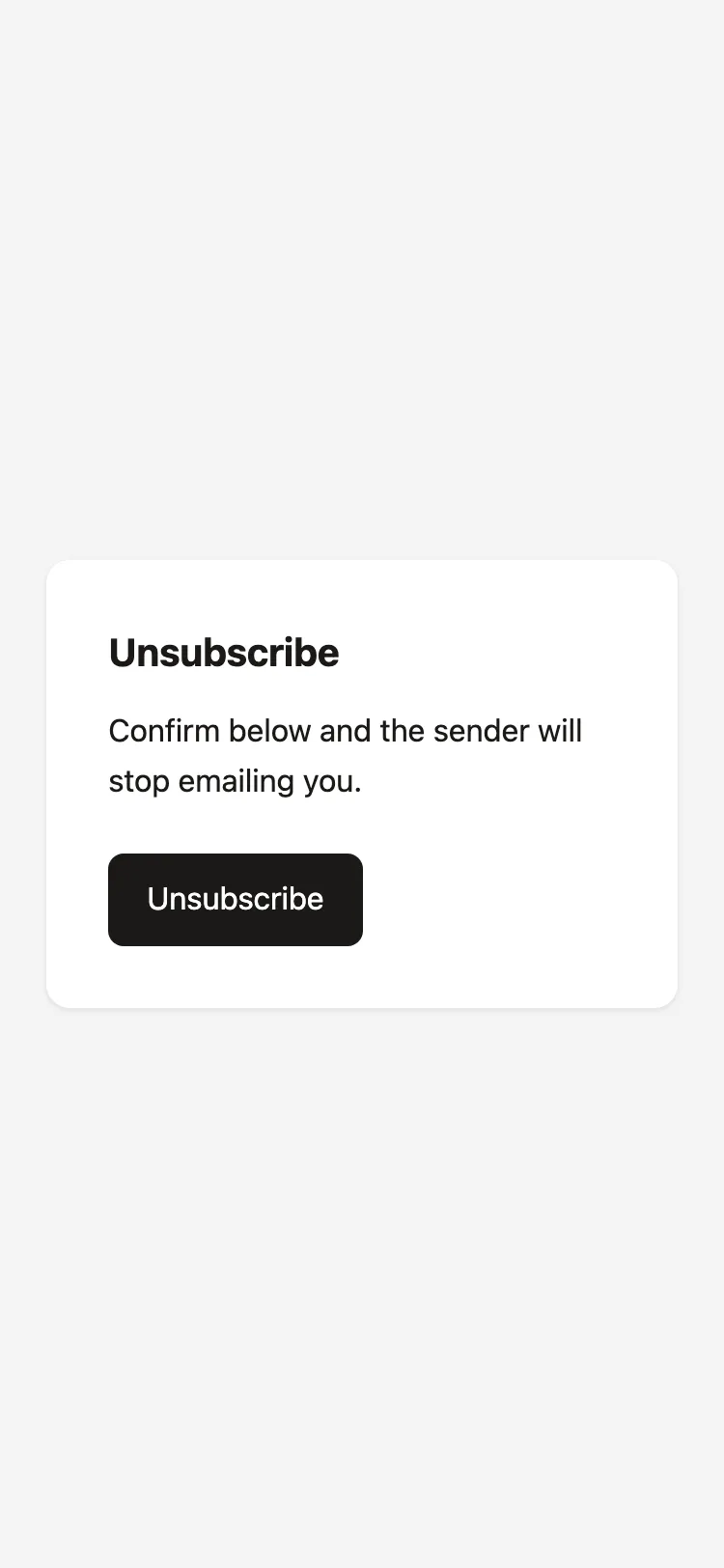
Section titled “What the recipient sees”Opening the footer link does not unsubscribe anyone. The page asks the recipient to select Unsubscribe. After confirmation, it shows You have unsubscribed.
This confirmation prevents email scanners and browser prefetching from opting someone out merely by opening the link.
The mail-client one-click path records the opt-out immediately and does not open the confirmation page.
What happens after an unsubscribe
Section titled “What happens after an unsubscribe”- The address is added to suppression with reason Unsubscribed.
- No campaign in the workspace can send to that address.
- Waiting follow-ups for that address end.
- Repeating the same unsubscribe changes nothing.
The first recorded suppression reason remains in place when the address was already suppressed.
When someone replies asking to stop
Section titled “When someone replies asking to stop”ColdMerge does not suppress anyone because of what their reply says, so a “remove me” reply is yours to act on. Open the contact, or their row in the campaign’s recipients, and select Mark as opted out. The address is suppressed with reason Opted out (reply), and their waiting follow-ups end. See Mark someone as opted out.
Old and invalid links
Section titled “Old and invalid links”Unsubscribe links do not expire. Every message gets its own link even when the footer and header are off, so turning them off later never breaks a link you already sent.
A link can stop resolving if it is invalid or if its message record was removed during a contact erasure. The recipient stays suppressed after erasure because ColdMerge keeps a one-way hash of the address.
A rate-limited link works again after a short wait. The error page recommends using the link from the most recent message.
The same holds for an address already suppressed for some other reason. The first record of why an address is on the list is the one that is kept, and a later opt-out never overwrites it. The opt-out still makes that row permanent: even a row originally added by you or recorded as a bounce can no longer be removed.
Preview sends carry inert unsubscribe controls. They open a page explaining that the message was a preview and never suppress a contact.