
An honest comparison
ColdMerge vs GMass
Both send through Gmail. GMass has a broader toolset inside Gmail; ColdMerge gives small outbound teams a separate workspace with follow-ups, mailbox rotation and visible sending limits from the start.
Pick GMass if
- You want to write and manage campaigns inside Gmail.
- You build lists from Google Sheets or need GMass's broader toolkit.
Pick ColdMerge if
- You want a separate workspace for campaigns sent from your Gmail accounts.
- You need follow-ups, inbox rotation and visible sending limits together.
ColdMerge is in a private beta. Invited testers can start a 14-day trial with no card, then choose whether to subscribe to the Tester plan at $0.99 a month. Public plans are not available to buy yet. See current pricing.
Side by side
Choose by how you send
The first decision is where you want to work. Then compare the actual plan that includes the follow-ups or mailbox rotation you need.
| Basis |  ColdMerge ColdMerge | GMass |
|---|---|---|
| Where you work | Web appSeparate web app connected to Gmail or Google Workspace. | ExtensionChrome extension that works inside Gmail. |
| How you build a list | Import your own researched CSV and map its columns to merge fields. | Use Gmail contacts or Google Sheets, including live Sheet data. |
| Automated follow-ups | IncludedIncluded. Replies and bounces stop remaining follow-ups for that person. | Premium and upPremium US $39.95/month and Professional US $59.95/month include follow-ups; Standard does not. Individual monthly USD prices checked 3 October 2026; regional checkout may differ. |
| Inbox rotation | IncludedIncluded across connected inboxes, each within its own sending allowance. | ProfessionalMultiSend rotation is listed on Professional: US $59.95/month, individual monthly USD price checked 3 October 2026. Regional checkout may differ. |
| Sending pace | IncludedVisible daily caps, sending windows, randomized gaps and a mailbox ramp-up. | Different approachScheduling and sending-speed controls. GMass also offers options for sending beyond Gmail limits. |
| Replies | IncludedReplies stay in Gmail. A detected human reply stops that contact's remaining steps in this campaign; automatic replies do not. Mark stop requests as opted out for suppression across campaigns. | IncludedReplies stay in Gmail. GMass also offers reply management tools. |
| Verification | CreditsSeparate credits, currently $0.01 per credit with a $10 minimum purchase. | IncludedFree email address verification is listed on Standard and above. |
Workflow
One campaign, two places to work
Illustrative job: one operator sends a researched list from three Gmail inboxes, then reminds unanswered recipients after three days. Both products support automated follow-ups. Compare where you prepare that sequence and the plan required for distributing first messages.
GMass
- Work from Gmail contacts or a Google Sheet.
- Compose and run the mail merge with the GMass extension inside Gmail.
- Handle replies in Gmail, with GMass reply management tools available.
ColdMerge
- Import a researched CSV and map its fields.
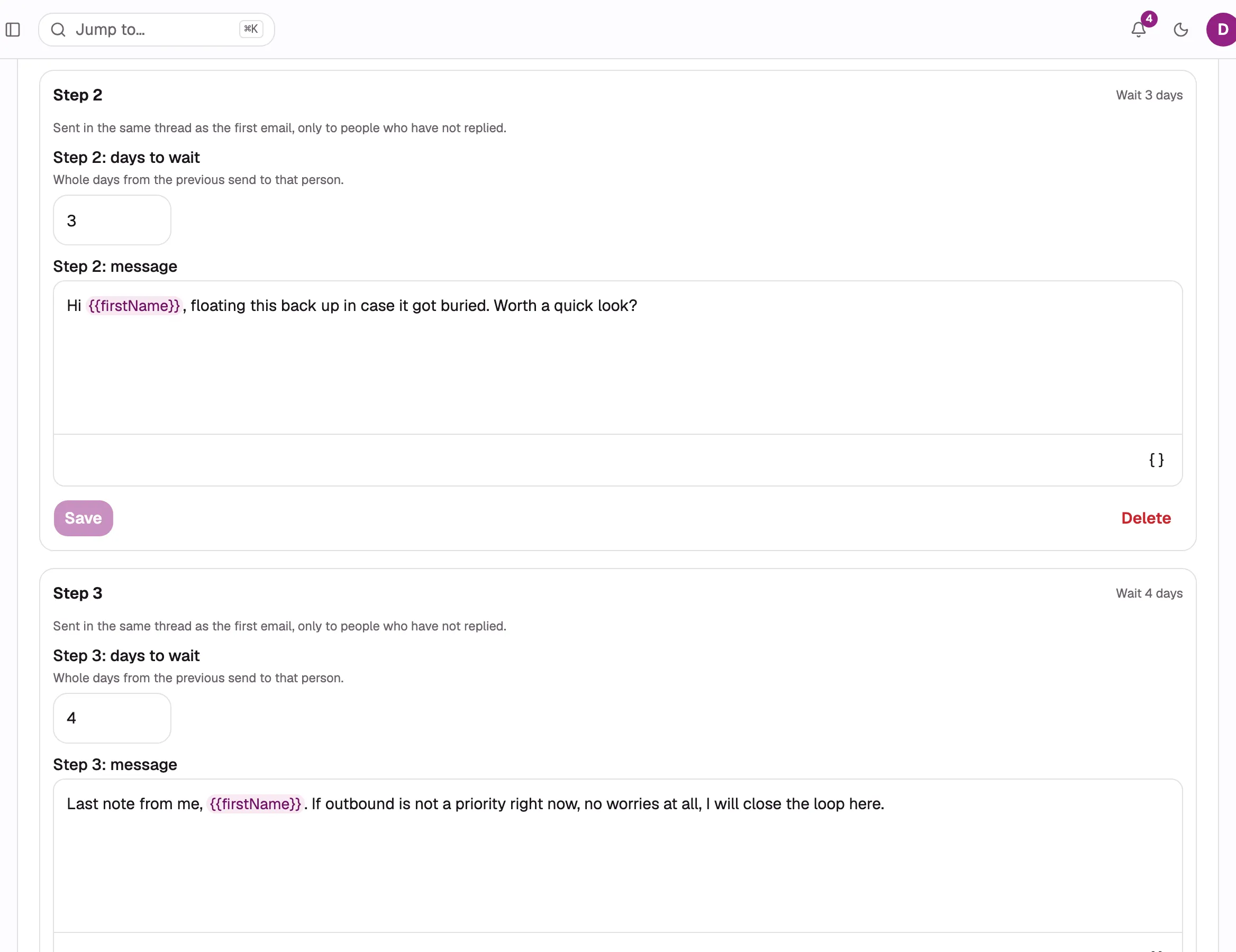
- Write the campaign and follow-ups in ColdMerge; review the sending window and each mailbox's allowance.
- Handle replies in Gmail while ColdMerge stops that person's remaining follow-ups.
Where GMass fits
Keep the campaign inside Gmail
GMass is a strong choice when Gmail is where you want to write and manage every campaign. Its Chrome extension adds mail merge, scheduling and reporting to that familiar workspace.
Its broader toolkit suits people who want more than a focused campaign workspace. Check which paid tier includes the features you need.
Explore GMass plansWhat GMass does better
- 01
Build a mail merge from Google Sheets, including live Sheet data.
- 02
Use email address verification included on its paid plans.
- 03
Choose from API and Zapier access, A/B testing, SMTP options and reply management tools, depending on the plan.
Where ColdMerge fits
Give outreach its own workspace
ColdMerge fits a freelancer, founder or small team bringing a researched list and sending from Gmail accounts they already own. You build the campaign outside the inbox, while sent mail and replies remain in Gmail.
Follow-ups and rotation are included in the available plans. Set a sending window, see each mailbox's allowance and watch a reply stop the rest of that person's sequence. The private beta also includes hands-on help with a first campaign.
See the Gmail permissionsMoving over
Start with one small campaign
Export or gather the contacts you are allowed to email as a CSV, import them into ColdMerge, then recreate your message and follow-ups. Existing GMass campaign history does not transfer automatically.
Pause the old campaign and its outstanding follow-ups. Keep its history, then import previous opt-outs and stop requests into ColdMerge suppression separately from contacts.
02Import only eligible contacts, map their fields, and connect Gmail after reviewing permissions. Rebuild the message and relative follow-up delays.
03Preview a complete row and a missing-name row. Check each sender's allowance and window, then launch a small campaign with one tool owning each contact's sequence.
FAQ
Before you switch
Specific answers about the two products and a first ColdMerge campaign.

See how your next campaign feels.
Bring a small list and send from your own Gmail account.
Up to 14 days free, no card required. Trial send allowance applies.