
Features
Automate Gmail follow-ups in the same conversation
Write follow-ups alongside the first email, keep the original sender and stop the sequence when a human reply is detected.
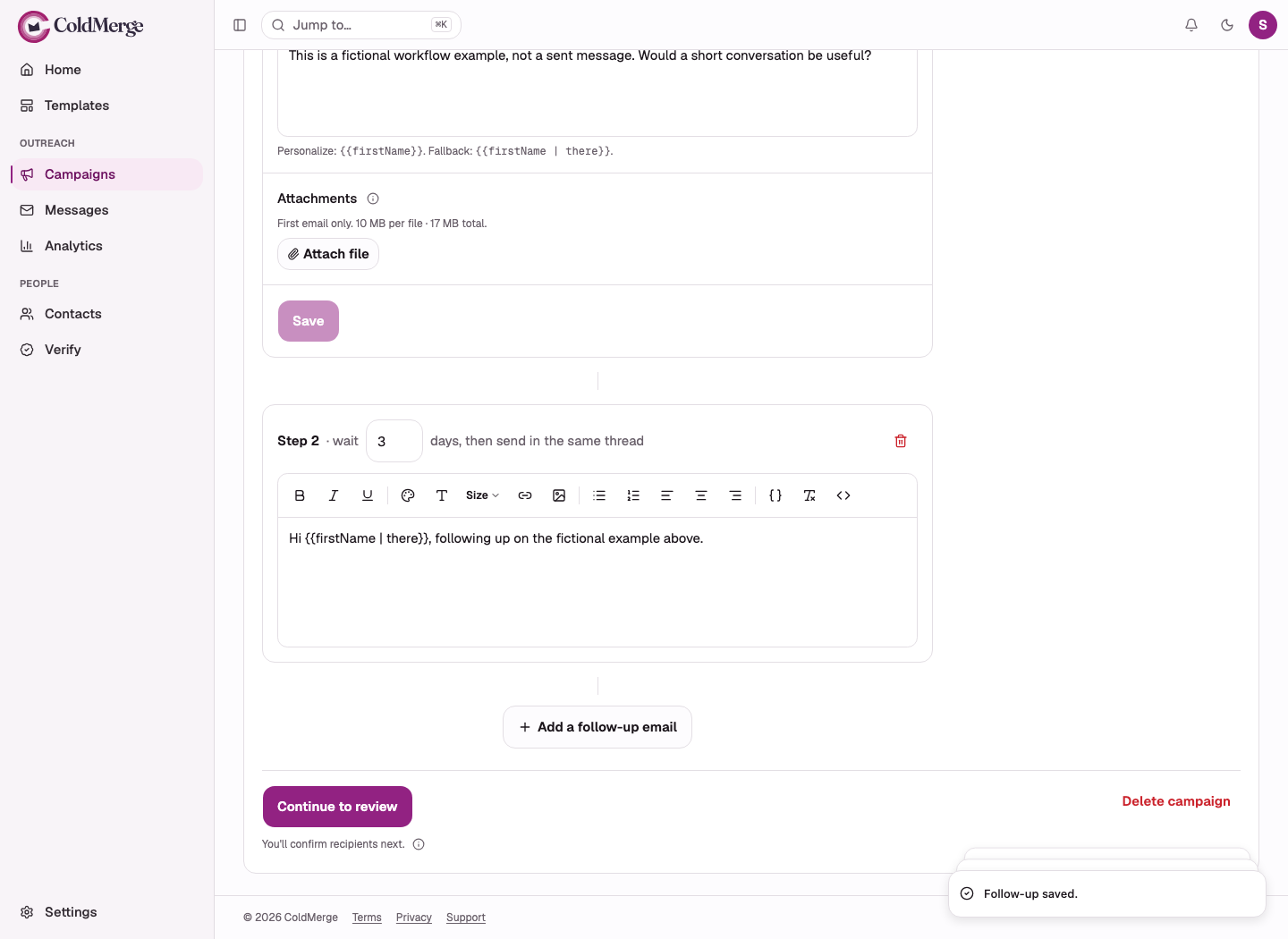
Prepare automatic Gmail follow-ups alongside your introduction. Choose the wait between steps, then let ColdMerge manage eligible sends from the original mailbox in the same Gmail thread.
When it detects a human reply, the remaining follow-ups to that person stop in that campaign.
See how follow-up sequences work.
Plan the next useful message
A sequence lets you prepare what you will say if the first message receives no reply. Use the next step to add context, answer a likely question or close the attempt respectfully.
Each delay runs from the previous message actually sent to that contact. Contacts who start on different days progress on different dates.
The campaign’s sending window, mailbox budget and pacing still apply after the wait has elapsed.
Keep one conversation with one sender
Follow-ups use the mailbox and Gmail thread that sent the first email. They do not introduce a new subject or move the prospect to another connected account.
That continuity matters when a recipient answers. They see the conversation they received, and you pick it up in the same Gmail account.
ColdMerge does not send a follow-up when it cannot safely recover the thread.
A sequence with a clear end
Suppose a trainer invites an opted-in workshop list. The first message gives the topic and a registration link. One reminder adds the agenda, then the sequence ends.
| Step | Example plan | What happens next |
|---|---|---|
| Invitation | Send the workshop invitation after list and preview checks. | Each recipient’s actual send starts their wait. |
| Reminder | Wait three days, then share the agenda if no human reply has been detected. | Sending still needs an open window and available budget. |
| End | Add no further automated step. | Handle responses personally in the original Gmail account. |
Three days is a planning example, not a proven best interval. A reminder could say: “The workshop covers organizing receipts and preparing questions for a bookkeeper. The agenda is below if you would like to join.”
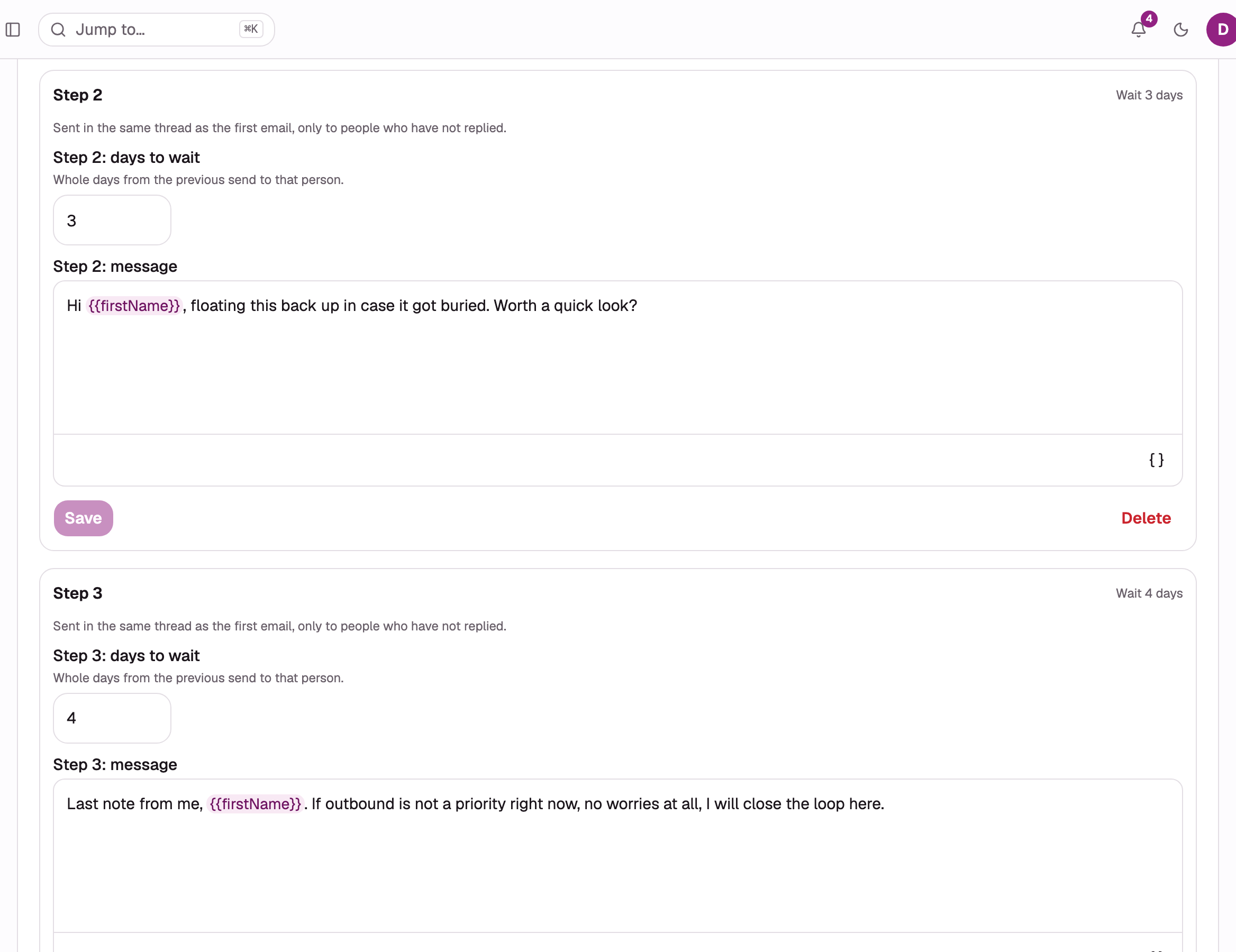
If the person replies to ask about the agenda, ColdMerge’s detected-reply stop ends the automated sequence for that campaign. The trainer answers the actual question.
An out-of-office response is different: a classified auto-reply does not stop the sequence. The sender reads it and decides whether to intervene.
This is a workflow example, not tested campaign performance.
Understand the stopping rules
A human reply stops the replying campaign. Suppression, unsubscribe and permanent bounce stop live sequences for the contact across the Organization. A reply requesting an opt-out needs manual Mark as opted out action.
Detection is not instantaneous. Replies in Spam, moved out of the inbox by a filter, or sent as a new unmatched conversation may need manual handling.
A contact’s personalization data is captured at their first send. Later contact edits do not rewrite existing follow-ups.
Can I attach a file to every step?
Attachments go only with the first email. Follow-ups do not carry them. The first email also determines the sequence’s message format.
Build a sequence and check reply-detection limits.
For message-by-message planning, use the follow-up sequence reference to check step delays and stop rules.
No card required to start. Invited testers get the same 14-day free trial, and the plan is $0.99 a month if you subscribe.